Quick Access
Right where you need it.
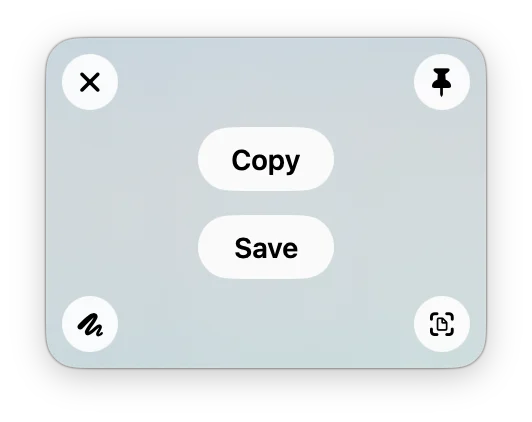
Every shot waits in the bottom-right corner. Drag it into Slack, Mail, or Figma, or click to copy or save. It stays until you close it — no digging through your desktop.
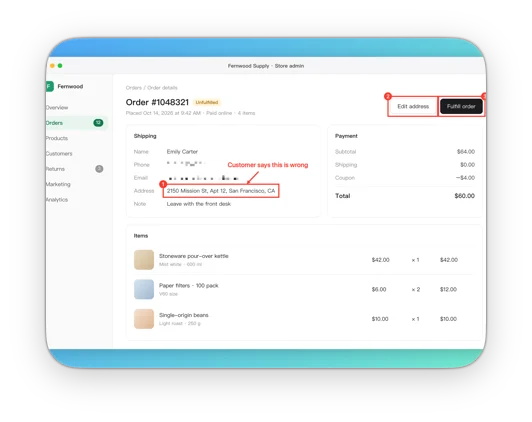
Capture, scroll‑capture, annotate, auto‑redact, copy text, pin, and record — all in one Mac app.
$9.90, once.
Open the link on your Mac to install.
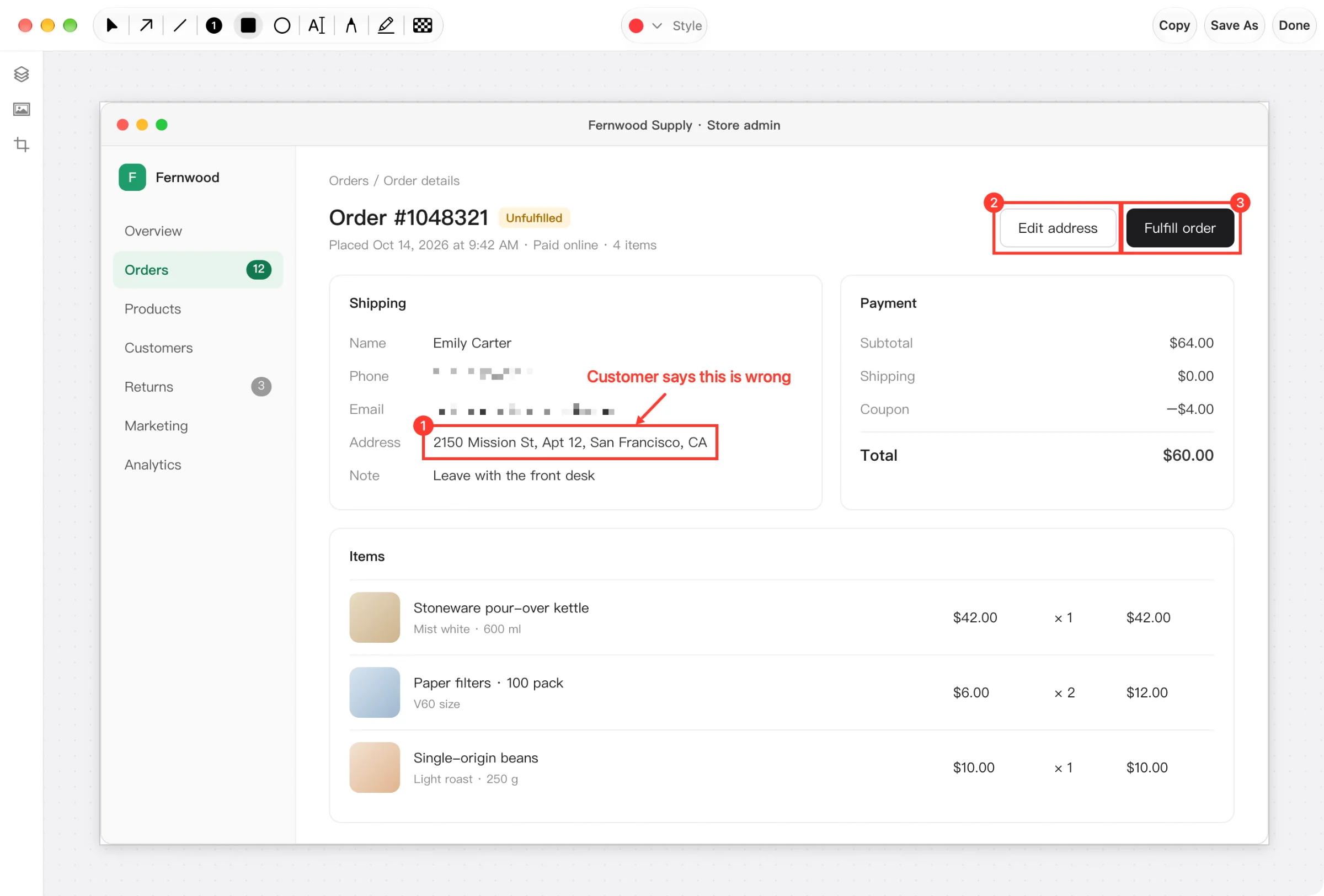
From capture to markup, redaction, and background, then straight into a chat.
Features
Quick Access
Every shot waits in the bottom-right corner. Drag it into Slack, Mail, or Figma, or click to copy or save. It stays until you close it — no digging through your desktop.
Annotate
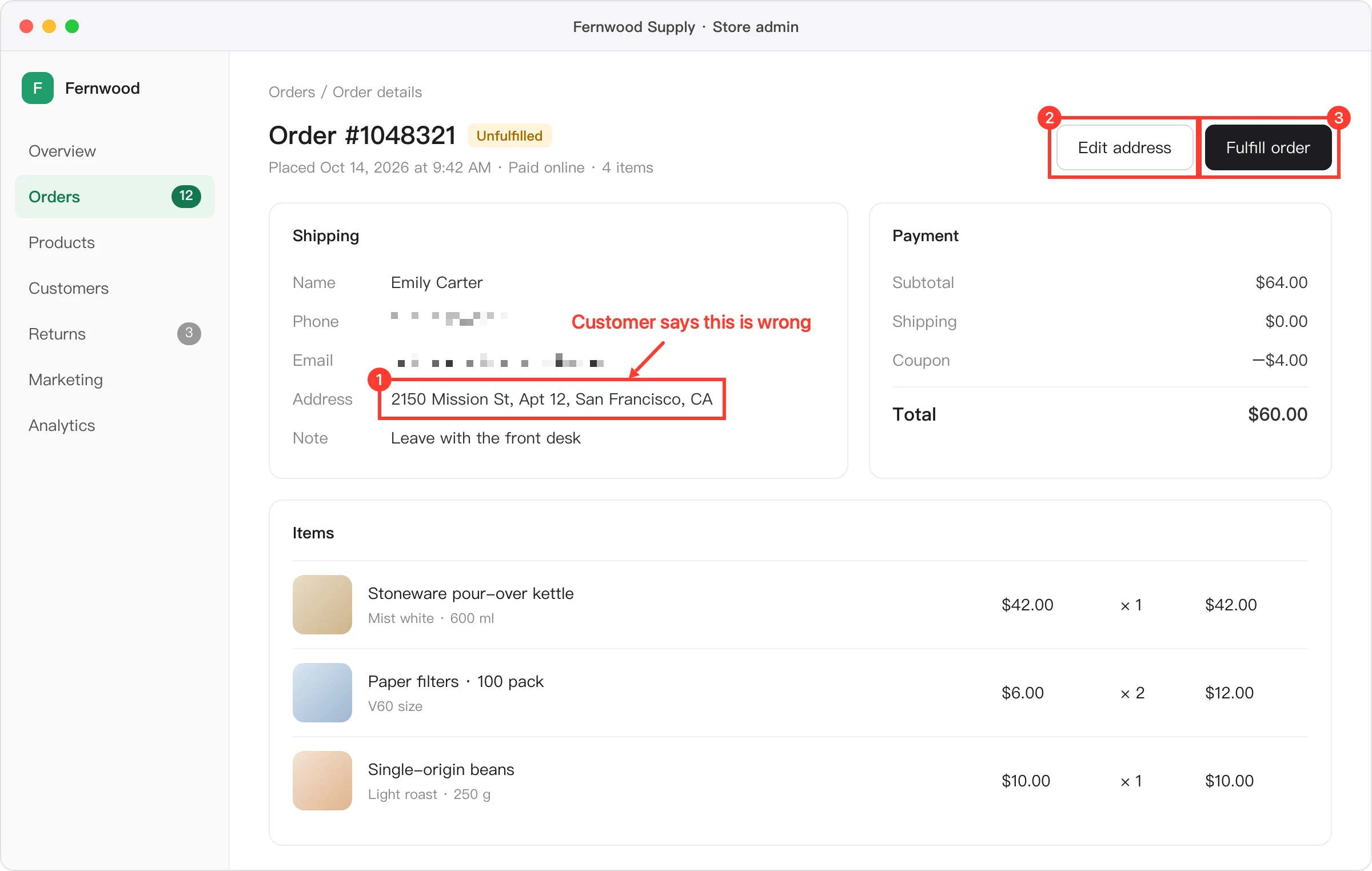
Arrows, rectangles, numbers, text, pen, and highlighter — one key each. Step numbers count up on their own.
Auto Redact
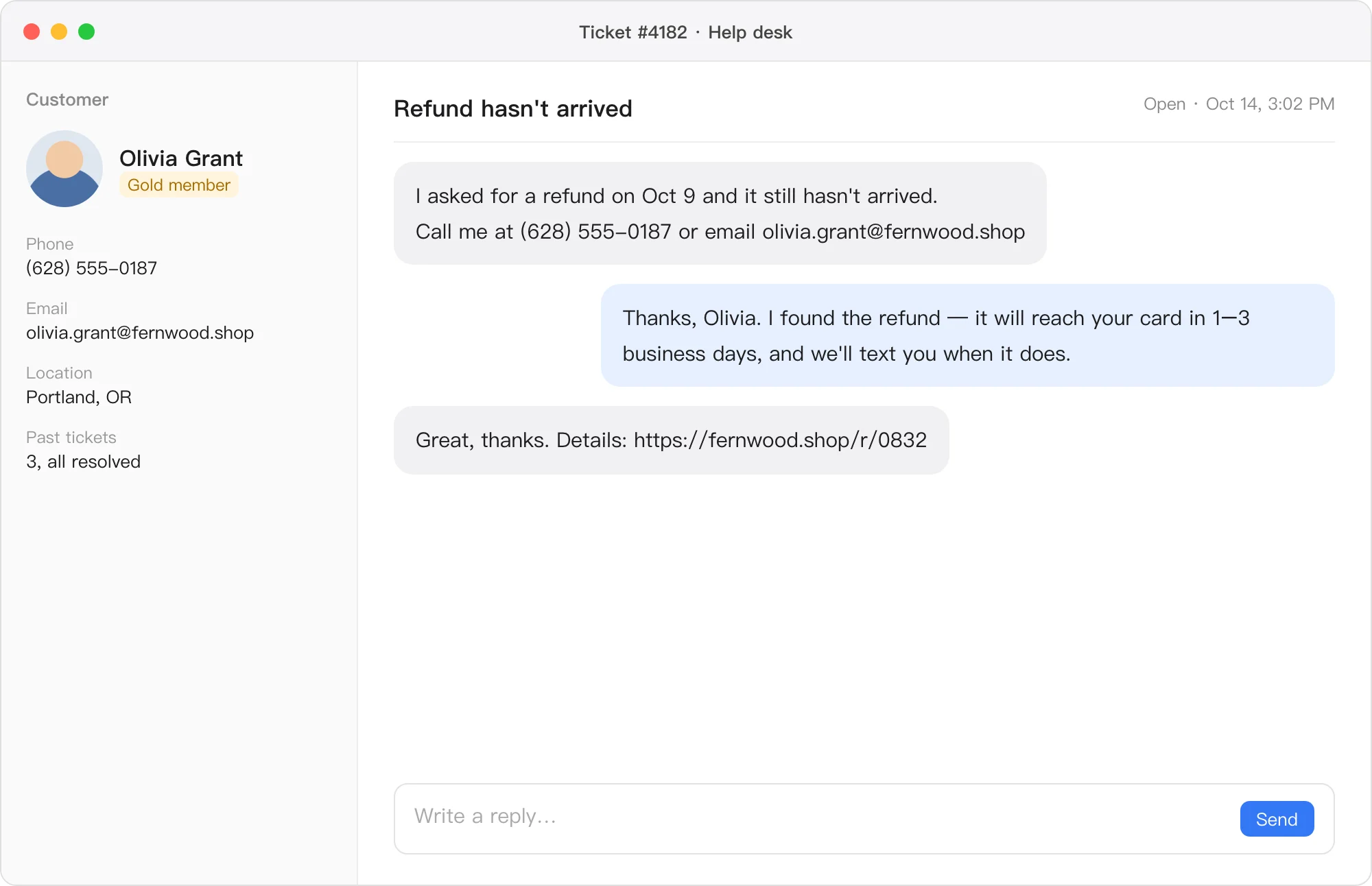
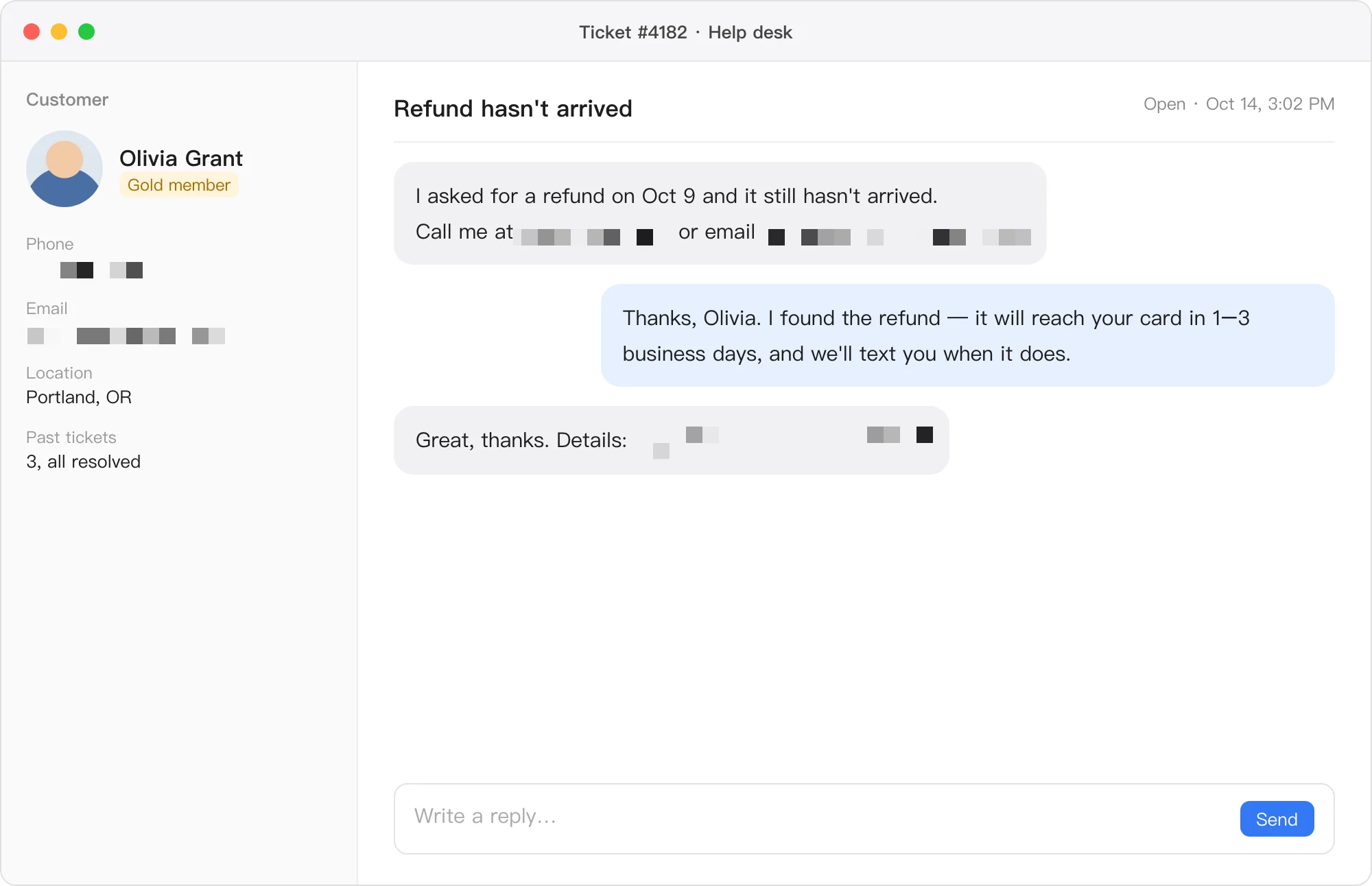
Click Auto Redact and every email, phone number, link, and face is pixelated — baked into the image, so nobody can undo it.
Scrolling Capture
Webpages, chat threads, long documents — Plumshot scrolls for you and stitches it into one tall screenshot.
No time off needed — it fits in a weekend. The trail is easy, with cafés and water along the way.
Start at the trailhead and follow the creek uphill for about two hours. Stones get slippery after rain.
Have breakfast by the lake, then cross one small hill to the ridge. In autumn the path smells of pine.
Buses leave from the ridge trailhead; a taxi takes about 20 minutes.
Trail Notes · Please credit when sharing
No time off needed — it fits in a weekend. The trail is easy, with cafés and water along the way.
Start at the trailhead and follow the creek uphill for about two hours. Stones get slippery after rain.
Have breakfast by the lake, then cross one small hill to the ridge. In autumn the path smells of pine.
Buses leave from the ridge trailhead; a taxi takes about 20 minutes.
Trail Notes · Please credit when sharing
No time off needed — it fits in a weekend. The trail is easy, with cafés and water along the way.
Start at the trailhead and follow the creek uphill for about two hours. Stones get slippery after rain.
Have breakfast by the lake, then cross one small hill to the ridge. In autumn the path smells of pine.
Buses leave from the ridge trailhead; a taxi takes about 20 minutes.
Trail Notes · Please credit when sharing
Freeze Screen
With All-in-One capture, the screen freezes first, so menus and tooltips that only appear on hover stay put.
Text Recognition
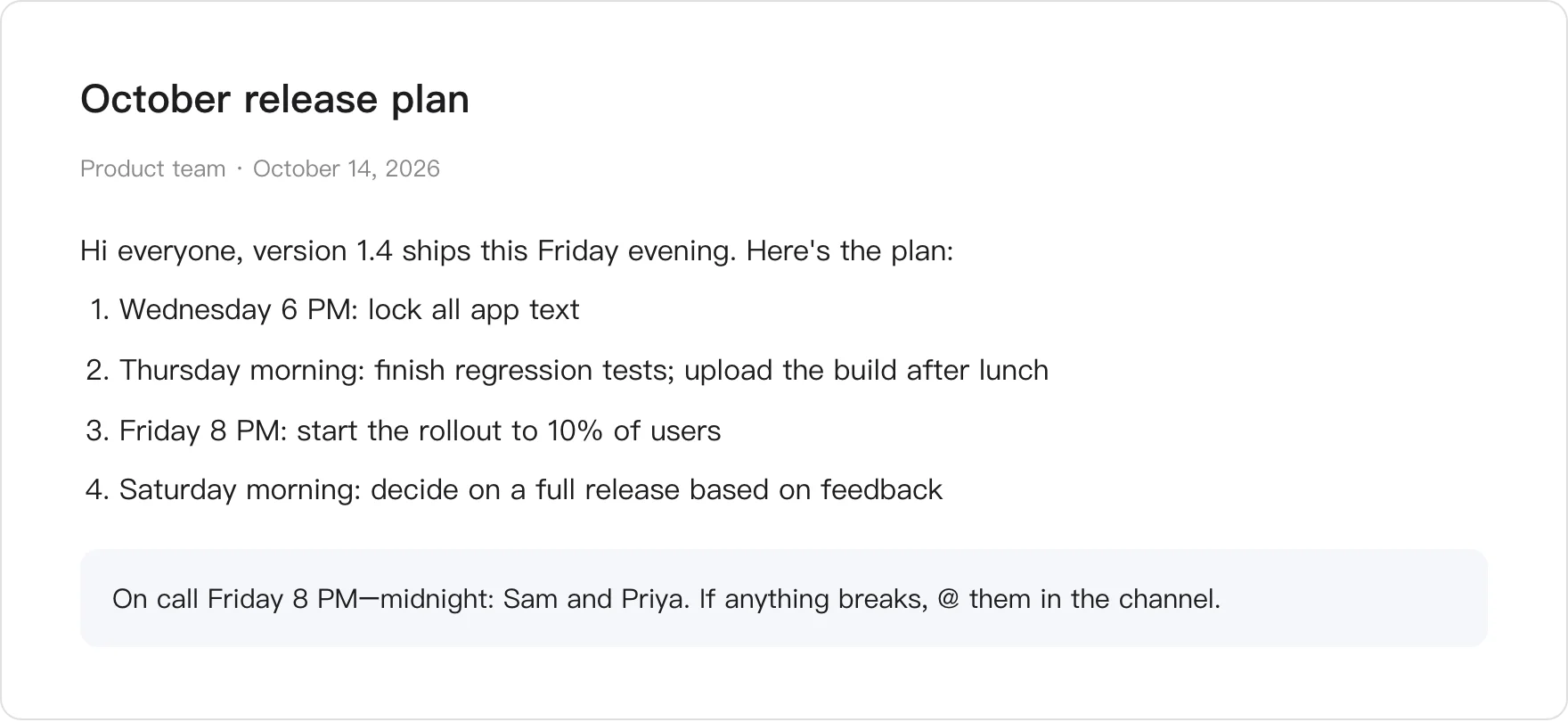
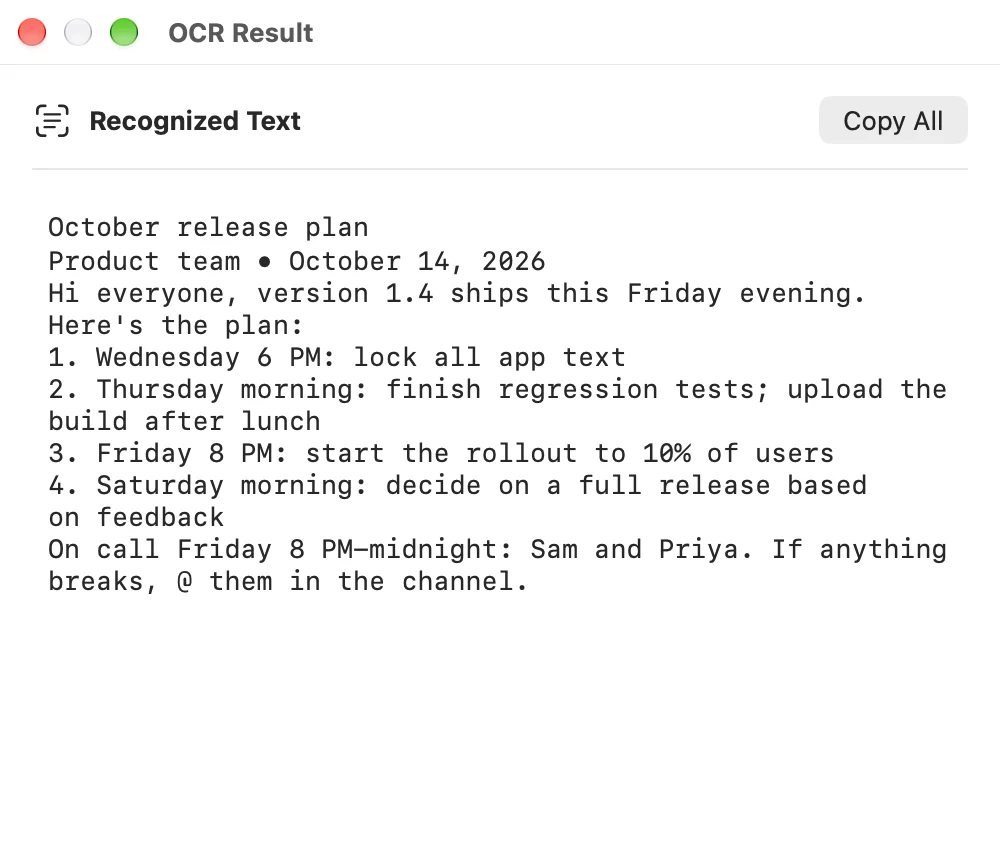
Reads English and Chinese, right on your Mac. Nothing is uploaded.
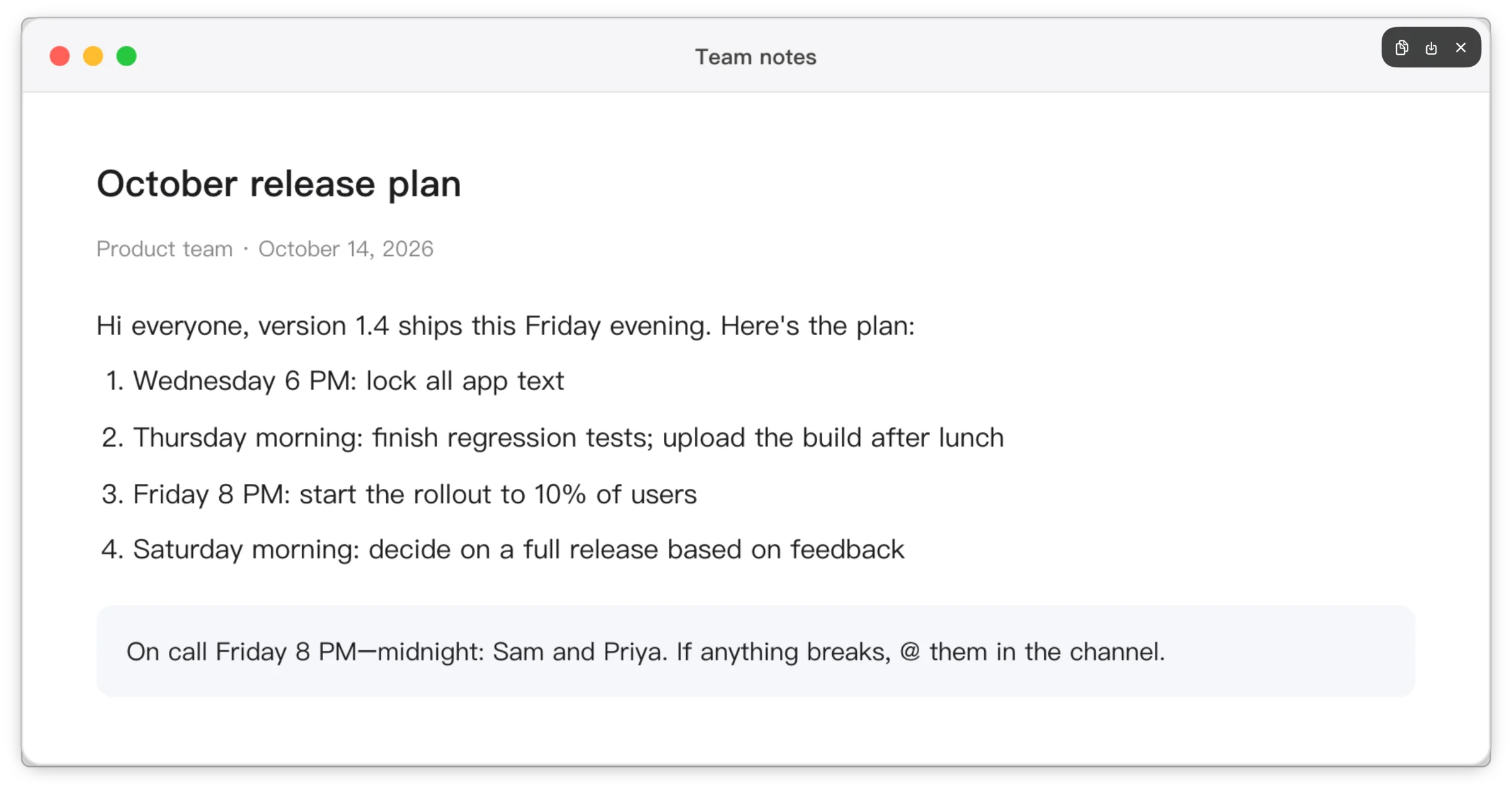
Pin
Code against a mockup or fill in a sheet without switching windows.
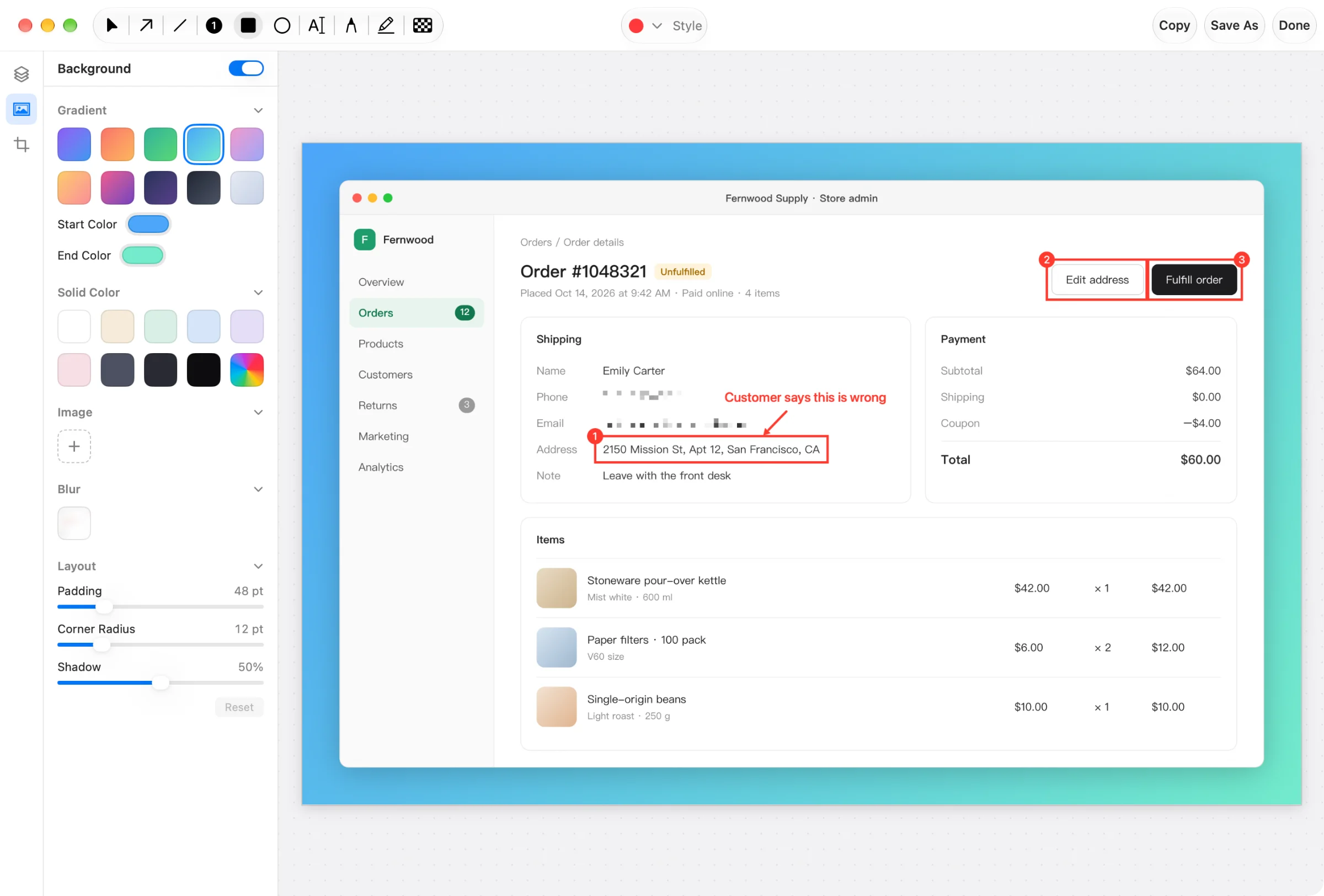
Background
Add a background, rounded corners, and a shadow for docs, decks, and posts.
Record
Drag out an area, add your mic if you like, then trim and export.
No time off needed — it fits in a weekend. The trail is easy, with cafés and water along the way.
Start at the trailhead and follow the creek uphill for about two hours. Stones get slippery after rain.
Have breakfast by the lake, then cross one small hill to the ridge. In autumn the path smells of pine.
Buses leave from the ridge trailhead; a taxi takes about 20 minutes.
Trail Notes · Please credit when sharing
Capture History
Recent captures stay in Capture History for as long as you set, and the latest ones stay editable.
Use cases
Capture the broken screen, circle the problem, number the steps: one image shows how to reproduce it.
Number each step, add notes, and capture long pages in one go.
Mark exactly what to change right on the mockup or page.
Pixelate the customer's phone number and email before you send the screenshot.
Compare
| Feature | macOS screenshots |  Plumshot Plumshot |
|---|---|---|
| Scrolling capture | macOS: Not built in | Scrolls and stitches for you |
| Auto Redact | macOS: Not built in | Finds emails, phone numbers, links, and faces |
| Numbered steps | macOS: Not built in | Click and the number counts up |
| Text recognition | macOS: Use Live Text in Preview | Copy the text right after you capture |
| Pin | macOS: Not built in | Floats above every window |
| Capture History | macOS: Not built in | Recent shots kept, latest ones editable |
About Plumshot
Opens without the “unidentified developer” warning.
Capture, markup, and text recognition all happen on your Mac.
Questions? Write to support@plumshot.app.
Pricing
3 daysEvery feature
Open the link on your Mac to install.
$9.90tax included
$14.90tax included · $7.45 per Mac
$29.90tax included · $5.98 per Mac
Pay with cards, Apple Pay, Google Pay, WeChat Pay, and more.
Have a good reason — say a duplicate purchase, or the app not working for you? Write to us for a refund and we'll take care of it. Refund policy
Already have a key? Add Macs or unlink one.
FAQ
Anything else? Write to support@plumshot.app.
No. Buy once and every future version is free.
Cards, Apple Pay, Google Pay, WeChat Pay, and more, right at checkout.
Every order generates a PDF invoice automatically. Download it any time from the link in your confirmation email.
macOS requires it for every screenshot app; without it nothing can be captured. Your captures stay on your Mac.
Yes. Capture History and your settings stay. Activate a license to keep capturing and annotating.
Choose the 2-Mac license: one key activates on both. There's a 5-Mac license too, and a key you already have can take more Macs. Moving to a new Mac? Click “Deactivate This Mac” on the old one first.
Plumshot uses ⌘⇧3 and ⌘⇧4 like macOS and asks on first launch whether to take them over. Every other shortcut is yours to set.
macOS 14 Sonoma or later, on Apple silicon and Intel.